Mission 8: Re-supply
Get Jones’ equipment back and call in an airstrike.
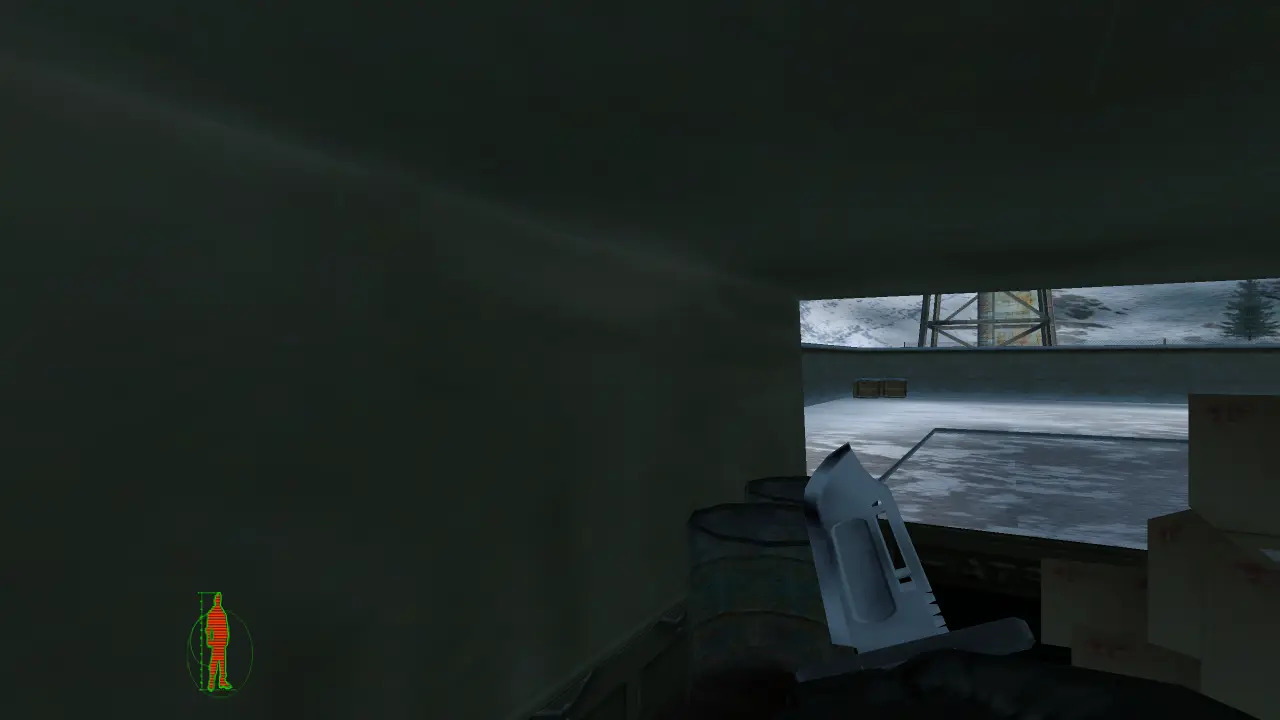
Mission 8 in this browser port: a real screenshot.
▶ Play mission 8 free in your browserObjectives
- Escape the compound and find the map computer in the basement of the ammo building (tank compound, to the east).
- Power up the generator to open the doors, and collect the homing beacons.
- Turn off both radars and disable the radio; place the designator on the SAM launcher.
- Reach the extraction point.
Tips that save the mission
The gates have an alarm override, switch the alarm off to open them; the main gates are controlled from the two-storey building.
Get clear once the airstrike is incoming.
How to play it in the browser
This is the original 2000 game running in your browser, PC with keyboard and mouse, or a phone with touch controls. Press Play, pick your player, then choose Re-supply from the mission list. Stuck on a door, gate or trigger? Most "it won’t open" moments are the original design: check the tips above.